Game Development
Introduction to Game Development
Industry overview, roles, game design pipelineChoosing a Game Engine
Unity, Unreal, Godot, engine comparison, tradeoffsProgramming Basics for Games
Game loops, input handling, state machines, OOP2D Game Development
Sprites, tilemaps, platformers, 2D physics, animation3D Game Development
Meshes, materials, lighting, cameras, 3D mathPhysics & Collision Systems
Rigidbodies, colliders, raycasting, physics enginesAudio & Sound Design
Sound effects, music, spatial audio, audio middlewarePublishing Your Game
Store submission, marketing, monetization, launch strategyGame Design Fundamentals
Mechanics, dynamics, aesthetics, level design, balancingAI in Games
Pathfinding, behavior trees, state machines, NPC intelligenceMultiplayer & Networking
Client-server, peer-to-peer, netcode, synchronizationProfessional Game Dev Workflow
Version control, CI/CD, QA testing, agile for gamesBuilding a Portfolio
Showcasing projects, demo reels, job applications, indie devWhat is a Game Engine?
A game engine is a software framework that provides the foundational systems needed to create games. Instead of building everything from scratch—rendering, physics, audio, input handling—you get pre-built, tested components that work together.
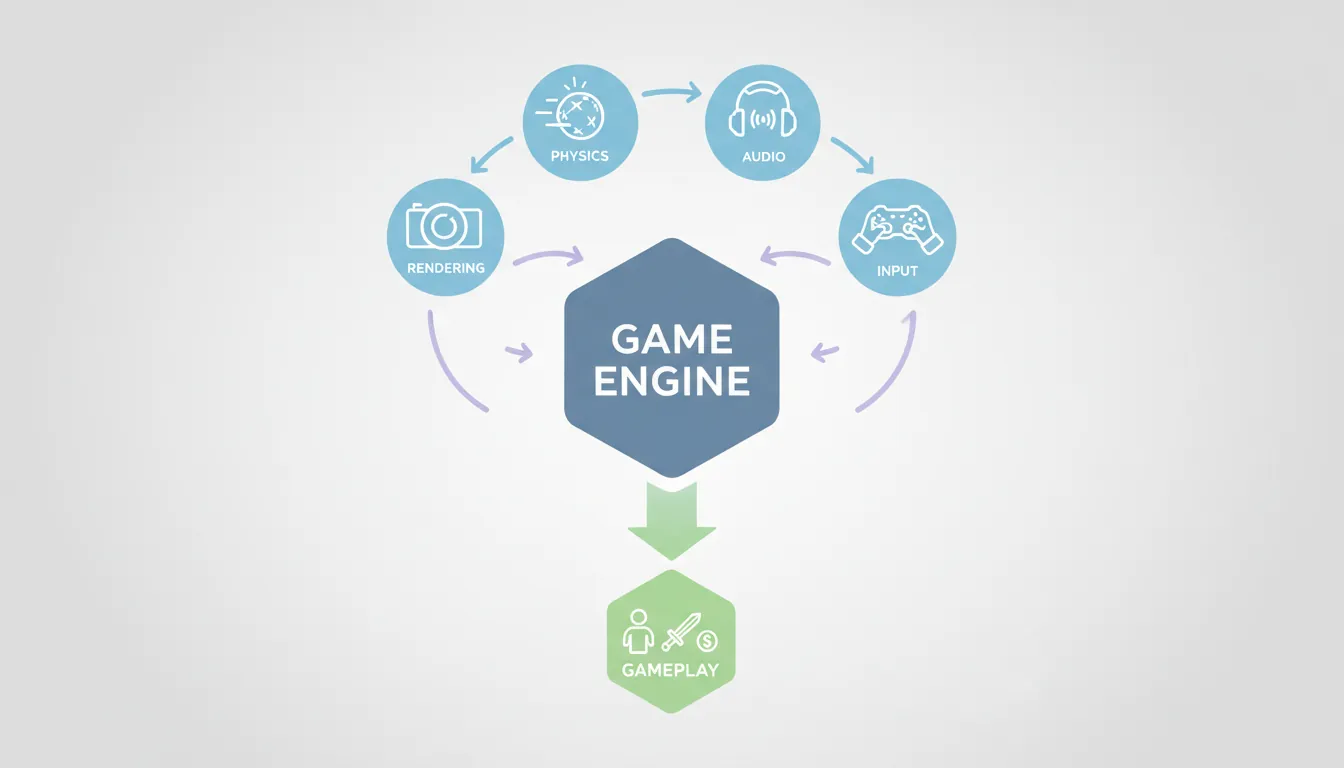
What Engines Provide
| Component | What It Does | Without Engine |
|---|---|---|
| Rendering System | Draws graphics to screen | 6-12 months to build from scratch |
| Physics Engine | Handles collisions, gravity, forces | 3-6 months to implement properly |
| Audio System | Plays sounds, handles mixing | 1-2 months to build |
| Input System | Reads keyboard, mouse, controller | 1-2 weeks per platform |
| Asset Pipeline | Imports images, 3D models, audio | Weeks of tooling work |
| Scene Editor | Visual level design interface | Months of tool development |
| Build System | Exports to PC, console, mobile | Platform-specific expertise needed |
Why Use a Game Engine?
- Focus on Your Game: Spend time on gameplay, not infrastructure
- Proven Technology: Battle-tested by thousands of shipped games
- Cross-Platform: Deploy to PC, console, mobile from one codebase
- Community & Resources: Tutorials, assets, plugins, forums
- Industry Standard: Skills transfer to jobs at game studios
Unity
Unity is the world's most popular game engine, powering over 50% of all mobile games and a significant portion of indie and AA titles. It's known for its accessibility, flexibility, and massive ecosystem.
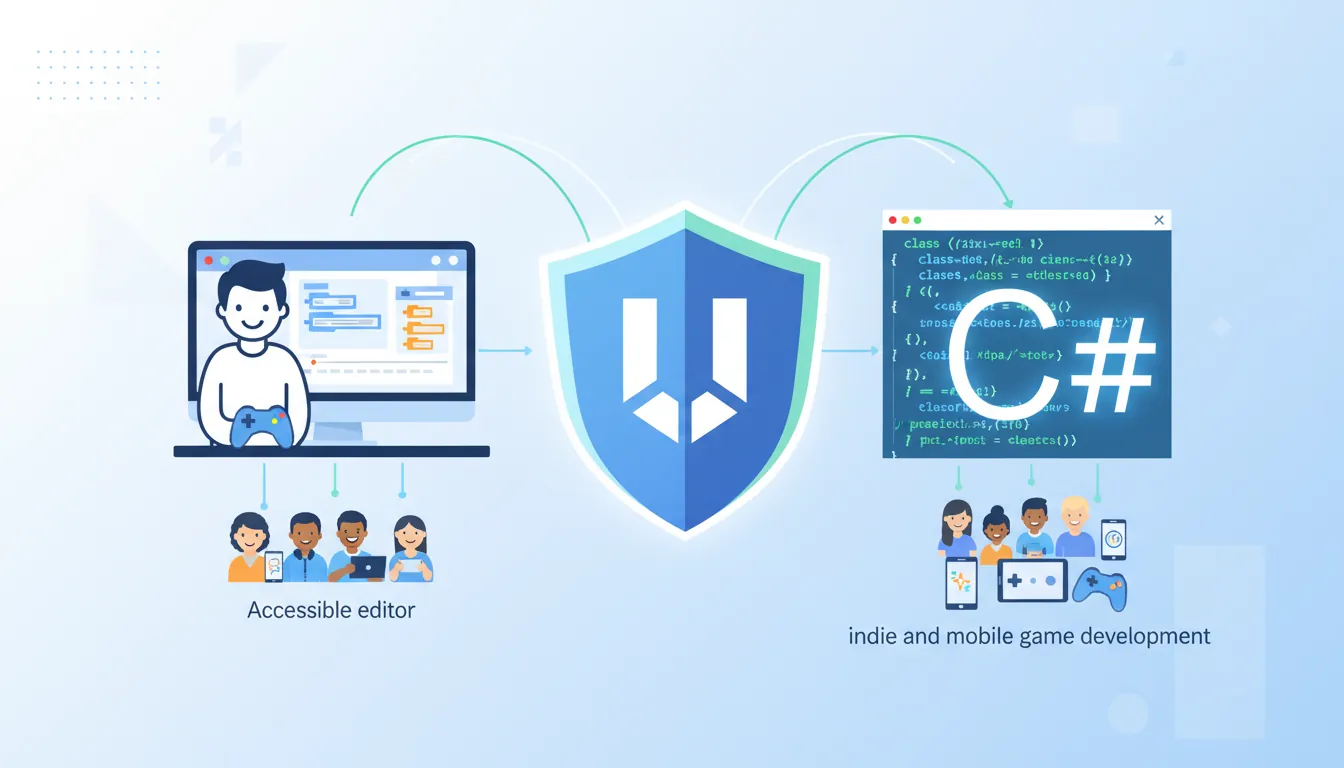
Unity at a Glance
| Primary Language | C# (beginner-friendly, powerful) |
| Best For | 2D games, mobile, indie projects, VR/AR |
| Pricing | Free (Personal) up to $100K revenue; Pro at $2,040/year |
| Platforms | PC, Mac, Linux, iOS, Android, PS5, Xbox, Switch, WebGL |
| Notable Games | Hollow Knight, Cuphead, Among Us, Pokémon Go, Genshin Impact |
Unity's Architecture
// Unity uses a Component-based system
// GameObjects are containers; Components define behavior

public class PlayerController : MonoBehaviour
{
    public float speed = 5f;

    void Update()  // Called every frame
    {
        float horizontal = Input.GetAxis("Horizontal");
        float vertical = Input.GetAxis("Vertical");

        Vector3 movement = new Vector3(horizontal, 0, vertical);
        transform.Translate(movement * speed * Time.deltaTime);
    }
}
Unity Pros & Cons
Strengths
- Easiest learning curve
- Massive Asset Store
- Excellent 2D support
- Huge community & tutorials
- Best mobile deployment
- C# is beginner-friendly
- VR/AR market leader
Weaknesses
- Graphics not as cutting-edge as Unreal
- Pricing controversy (recent changes)
- Performance requires optimization
- UI system can be clunky
- Frequent version changes
- Not open-source
Unreal Engine
Unreal Engine is the industry standard for AAA games, known for stunning graphics, powerful tools, and professional-grade features. Epic Games uses it for Fortnite and licenses it to studios worldwide.
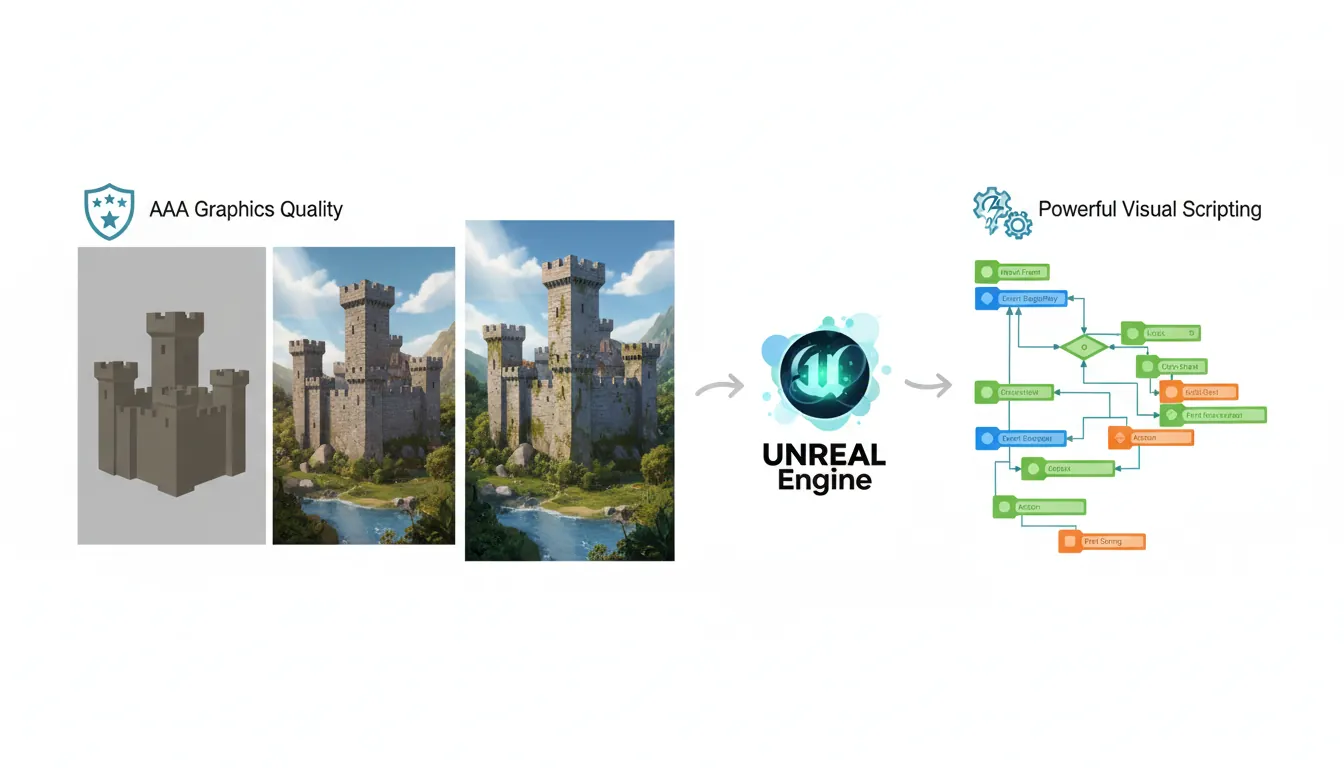
Unreal at a Glance
| Primary Language | C++ (advanced) + Blueprints (visual scripting) |
| Best For | 3D games, AAA quality, realistic graphics, shooters |
| Pricing | Free until $1M gross revenue, then 5% royalty |
| Platforms | PC, Mac, Linux, iOS, Android, PS5, Xbox, Switch |
| Notable Games | Fortnite, Final Fantasy VII Remake, Hellblade, Rocket League |
Unreal's Blueprint System
Unreal's Blueprints let you create game logic visually without coding:
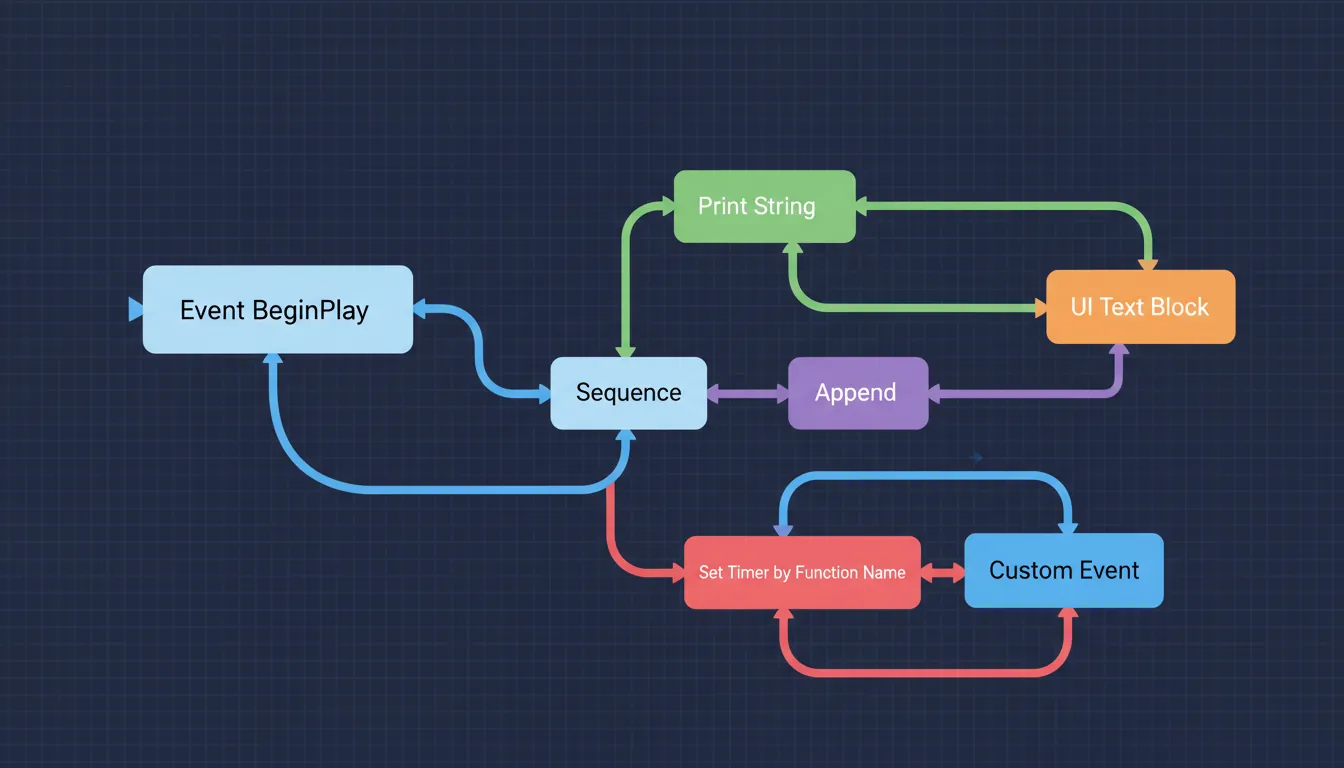
┌─────────────────────────────────────────────────────────────┐
│                     BLUEPRINT EXAMPLE                       │
├─────────────────────────────────────────────────────────────┤
│                                                             │
│  [Event Tick] ──► [Get Player Input] ──► [Add Movement]    │
│                           │                     │           │
│                           ▼                     ▼           │
│                    [Horizontal]          [Move Forward]     │
│                    [Vertical]            [at Speed 500]     │
│                                                             │
└─────────────────────────────────────────────────────────────┘
Unreal Pros & Cons
Strengths
- Best-in-class graphics (Nanite, Lumen)
- Blueprints for non-programmers
- AAA-quality out of the box
- Powerful level editor
- Source code access
- Great for cinematics
- Strong industry adoption
Weaknesses
- Steep learning curve
- C++ is challenging for beginners
- Overkill for simple 2D games
- Heavy system requirements
- Large project file sizes
- Slower iteration than Unity
Godot
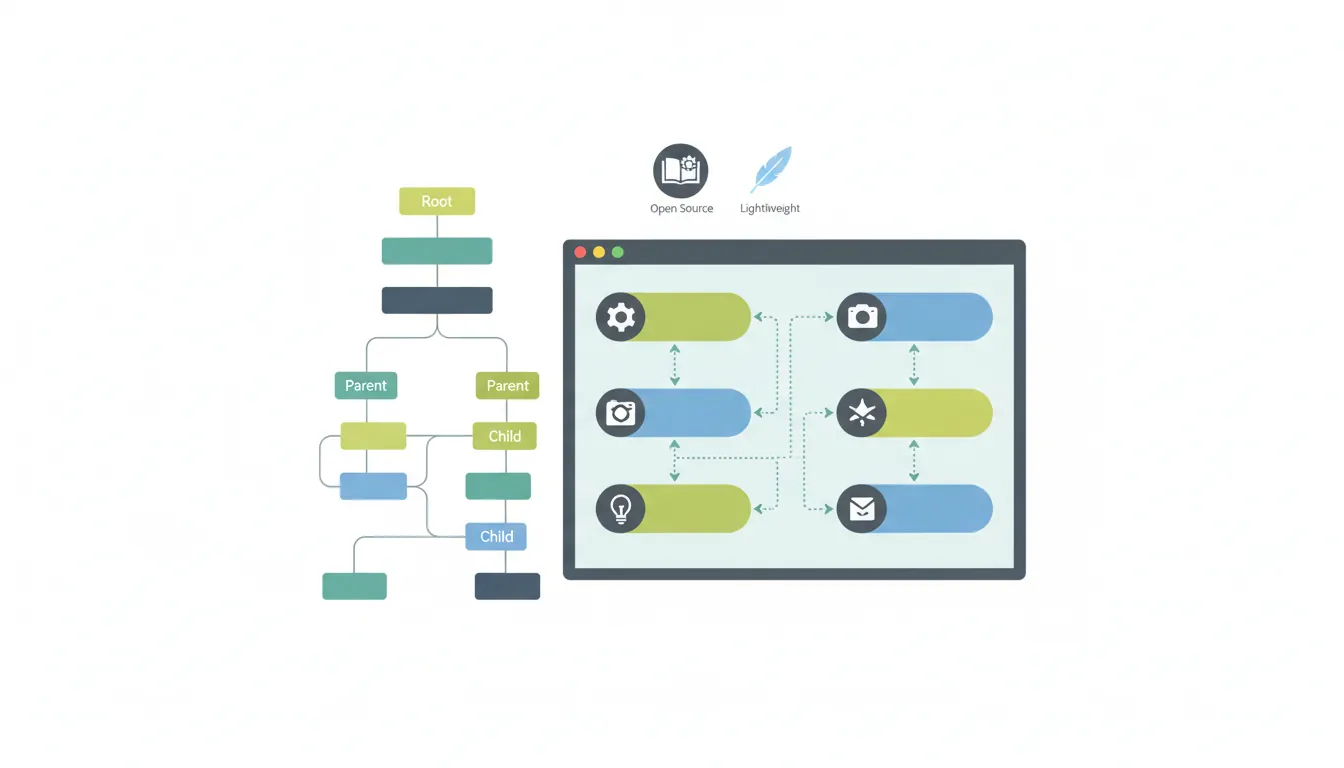
Godot is a free, open-source engine that has surged in popularity. It's lightweight, beginner-friendly, and has no licensing fees or royalties—ever.
Godot at a Glance
| Primary Language | GDScript (Python-like) + C# + C++ |
| Best For | 2D games, indie projects, learning, small teams |
| Pricing | 100% FREE, no royalties, MIT license |
| Platforms | PC, Mac, Linux, iOS, Android, Web |
| Notable Games | Dome Keeper, Brotato, Cassette Beasts, Cruelty Squad |
GDScript Example
# Godot uses a node-based scene system
# GDScript feels like Python

extends CharacterBody2D

var speed = 300.0

func _physics_process(delta):
    var direction = Input.get_vector("left", "right", "up", "down")
    velocity = direction * speed
    move_and_slide()

    if direction != Vector2.ZERO:
        $AnimatedSprite2D.play("walk")
    else:
        $AnimatedSprite2D.play("idle")
Godot Pros & Cons
Strengths
- 100% free, no strings attached
- Tiny download (~100MB)
- GDScript is easy to learn
- Excellent 2D capabilities
- Node-based architecture is intuitive
- Open-source (can modify engine)
- Dedicated, passionate community
Weaknesses
- 3D still maturing (improving rapidly)
- Smaller asset marketplace
- Fewer tutorials than Unity
- Console export requires third parties
- Less industry adoption (for now)
- GDScript skills less transferable
Other Engines Worth Knowing
| Engine | Best For | Language | Pricing |
|---|---|---|---|
| GameMaker | 2D games, beginners | GML | $100/year or one-time |
| RPG Maker | JRPGs, story games | JavaScript/Ruby | $80 one-time |
| Phaser | Web games, HTML5 | JavaScript | Free (MIT) |
| Defold | Mobile, small 2D/3D games | Lua | Free |
| CryEngine | AAA-quality visuals | C++, Lua | 5% royalty after $5K |
How to Choose the Right Engine
Decision Framework
What kind of game are you making?
│
├─► 2D Game
│   ├─► Simple/First Project ──► Godot or GameMaker
│   ├─► Mobile Focus ──────────► Unity
│   └─► Pixel Art/Retro ───────► Godot or GameMaker
│
├─► 3D Game
│   ├─► Realistic Graphics ────► Unreal Engine
│   ├─► Stylized/Mobile 3D ────► Unity
│   └─► Learning 3D basics ────► Godot 4
│
├─► VR/AR
│   └─► Unity or Unreal (both strong)
│
└─► Web Game
    └─► Phaser, Godot, or Unity WebGL
Comparison Matrix
| Factor | Unity | Unreal | Godot |
|---|---|---|---|
| Learning Curve | ⭐⭐⭐⭐ Easy | ⭐⭐ Steep | ⭐⭐⭐⭐⭐ Easiest |
| 2D Support | ⭐⭐⭐⭐ Great | ⭐⭐ Limited | ⭐⭐⭐⭐⭐ Excellent |
| 3D Graphics | ⭐⭐⭐⭐ Good | ⭐⭐⭐⭐⭐ Best | ⭐⭐⭐ Improving |
| Community Size | ⭐⭐⭐⭐⭐ Huge | ⭐⭐⭐⭐ Large | ⭐⭐⭐ Growing |
| Asset Store | ⭐⭐⭐⭐⭐ Massive | ⭐⭐⭐⭐ Large | ⭐⭐ Small |
| Pricing Freedom | ⭐⭐⭐ Good | ⭐⭐⭐⭐ Great | ⭐⭐⭐⭐⭐ Perfect |
| Console Export | ⭐⭐⭐⭐⭐ Easiest | ⭐⭐⭐⭐ Native | ⭐⭐ Third-party |
Recommendations by Experience Level
Complete Beginner
Recommendation: Godot or Unity
- Godot: If you want the absolute easiest start, no cost concerns, and plan to make 2D games
- Unity: If you want maximum job prospects, more tutorials, and may do mobile games
Intermediate Developer
Recommendation: Depends on goal
- Unity: Building a diverse portfolio, mobile games, VR projects
- Unreal: Want to work at AAA studios, focus on 3D, already know C++
- Godot: Open-source advocate, indie focus, contribute to engine
Professional/Studio
Recommendation: Project-dependent
- Unreal: AAA quality required, large budget, realistic graphics
- Unity: Mobile-first, AR/VR, quick prototyping, diverse platforms
- Custom Engine: Very specific needs, massive budget, long-term investment
Exercise: Engine Evaluation
Goal: Try before you commit—install and test at least two engines.
- Download both Unity and Godot (both are free)
- Complete the "getting started" tutorial for each (2-3 hours each)
- Try to make a square move with keyboard input in both
- Note which editor felt more intuitive to you
- Commit to one for your first project (you can always switch later)