Game Development
Introduction to Game Development
Industry overview, roles, game design pipelineChoosing a Game Engine
Unity, Unreal, Godot, engine comparison, tradeoffsProgramming Basics for Games
Game loops, input handling, state machines, OOP2D Game Development
Sprites, tilemaps, platformers, 2D physics, animation3D Game Development
Meshes, materials, lighting, cameras, 3D mathPhysics & Collision Systems
Rigidbodies, colliders, raycasting, physics enginesAudio & Sound Design
Sound effects, music, spatial audio, audio middlewarePublishing Your Game
Store submission, marketing, monetization, launch strategyGame Design Fundamentals
Mechanics, dynamics, aesthetics, level design, balancingAI in Games
Pathfinding, behavior trees, state machines, NPC intelligenceMultiplayer & Networking
Client-server, peer-to-peer, netcode, synchronizationProfessional Game Dev Workflow
Version control, CI/CD, QA testing, agile for gamesBuilding a Portfolio
Showcasing projects, demo reels, job applications, indie devPortfolio Project Ideas
Your portfolio showcases your skills to potential employers. Quality matters more than quantity—3-5 polished games beat 20 unfinished prototypes.
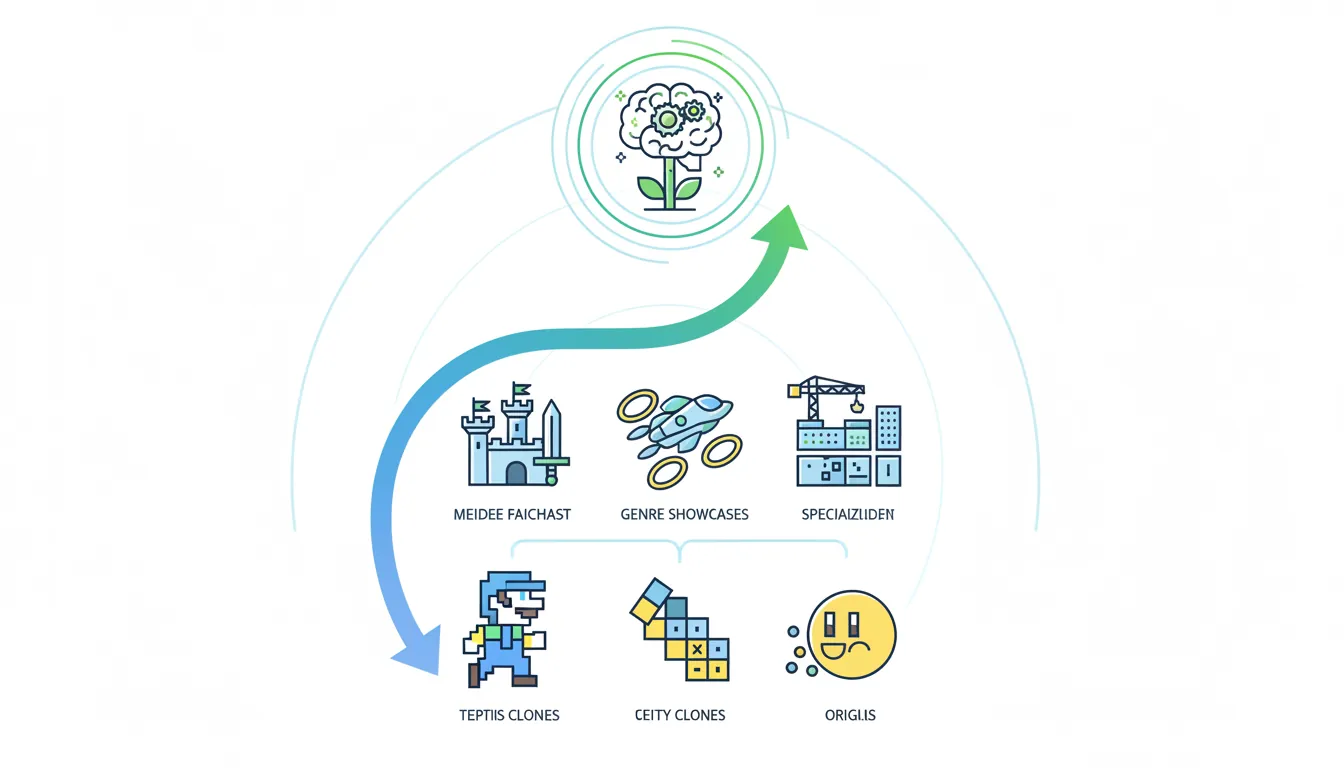
Portfolio Project Strategy:

Skill Level          Project Type                Purpose
─────────────────────────────────────────────────────────────
BEGINNER             Classic Game Clone          Show fundamentals
                     • Pong, Breakout           (physics, input)
                     • Snake, Tetris            (game loops)
                     • Flappy Bird              (procedural)

INTERMEDIATE         Genre Showcase              Show specialization
                     • Platformer               (level design)
                     • Top-down shooter         (AI, combat)
                     • Puzzle game              (logic, UX)
                     • Card/turn-based          (systems)

ADVANCED             Original Concept            Show creativity
                     • Unique mechanic          (innovation)
                     • Game jam winner          (time pressure)
                     • Full game release        (completion)

SPECIALIST           Focused Demo                Show depth
                     • AI showcase              (behavior trees)
                     • Shader demo              (graphics)
• Tool/editor (workflow)Projects That Impress Recruiters
| Role Target | Best Projects | Skills Demonstrated |
|---|---|---|
| Gameplay Programmer | Action game, platformer | Movement, combat, game feel |
| AI Programmer | Stealth, RTS, simulation | Pathfinding, behavior trees, FSM |
| Graphics Programmer | Shader demo, tech demo | Rendering, shaders, VFX |
| Tools Programmer | Level editor, asset pipeline | UI, automation, scripting |
| Game Designer | Unique mechanics, mods | Systems thinking, documentation |
Game Polish Techniques
Polish is the difference between a prototype and a professional game. These details create the "feel" that makes games satisfying.
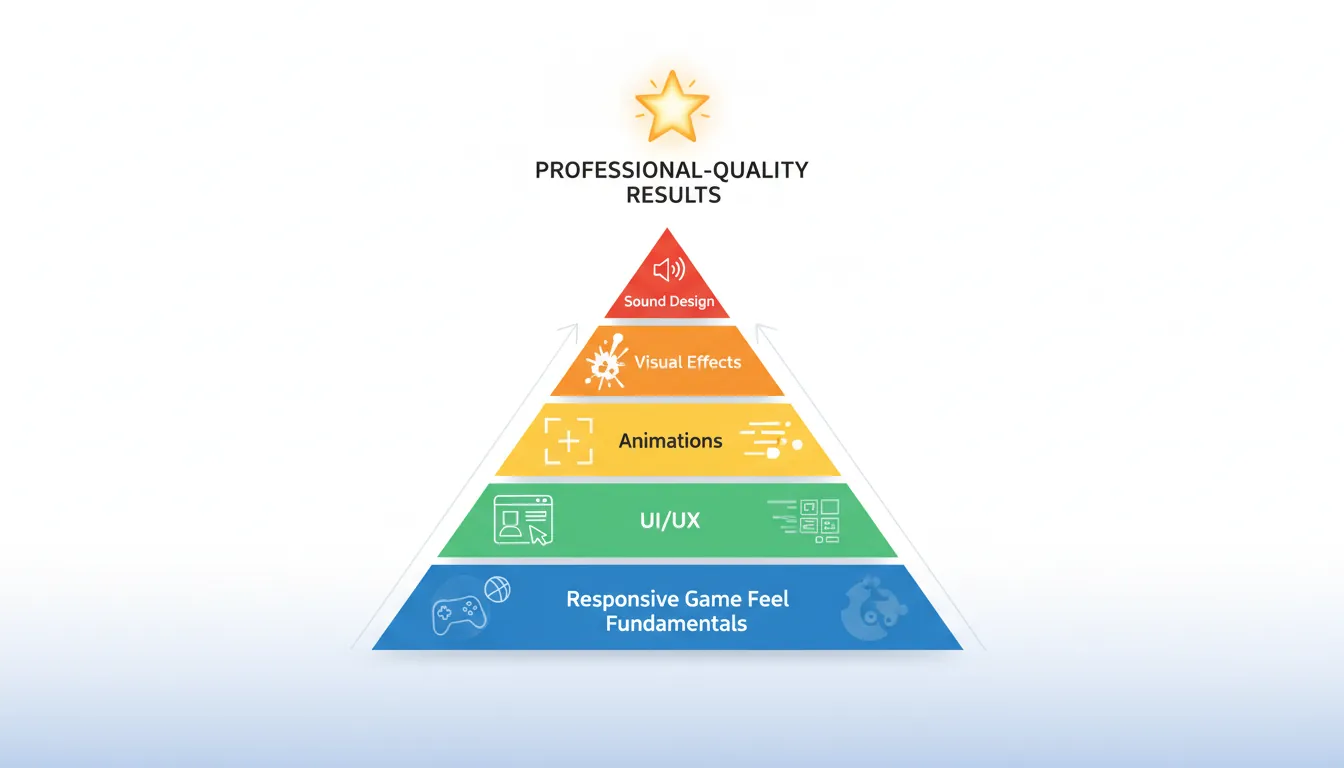
The Polish Pyramid:

                    ▲
                   /│\  Sound Design
                  / │ \ (SFX, music, ambience)
                 /──┼──\
                /   │   \  Visual Effects
               /    │    \ (particles, screen shake)
              /─────┼─────\
             /      │      \  Animations
            /       │       \ (transitions, anticipation)
           /────────┼────────\
          /         │         \  UI/UX Polish
         /          │          \ (feedback, clarity)
        /───────────┼───────────\
       /            │            \  Game Feel Fundamentals
      /             │             \ (responsiveness, weight)
     ─────────────────────────────────────────────────────
Visual Polish Checklist
// Screen shake on impact
IEnumerator ScreenShake(float duration, float magnitude)
{
    Vector3 originalPos = Camera.main.transform.localPosition;
    float elapsed = 0f;

    while (elapsed < duration)
    {
        float x = Random.Range(-1f, 1f) * magnitude;
        float y = Random.Range(-1f, 1f) * magnitude;

        Camera.main.transform.localPosition = originalPos + new Vector3(x, y, 0);
        elapsed += Time.deltaTime;
        yield return null;
    }

    Camera.main.transform.localPosition = originalPos;
}

// Hit stop (freeze frame on impact)
IEnumerator HitStop(float duration)
{
    Time.timeScale = 0f;
    yield return new WaitForSecondsRealtime(duration);
    Time.timeScale = 1f;
}

// Squash and stretch
void Squash()
{
    transform.localScale = new Vector3(1.2f, 0.8f, 1f);
    StartCoroutine(ReturnToNormal());
}

IEnumerator ReturnToNormal()
{
    float t = 0;
    while (t < 0.1f)
    {
        transform.localScale = Vector3.Lerp(
            new Vector3(1.2f, 0.8f, 1f),
            Vector3.one,
            t / 0.1f
        );
        t += Time.deltaTime;
        yield return null;
    }
    transform.localScale = Vector3.one;
}
Polish Checklist:
VISUAL AUDIO
□ Screen shake on impacts □ UI click sounds
□ Hit stop / freeze frame □ Footstep sounds
□ Particle effects □ Attack/hit sounds
□ Trail renderers □ Ambient background
□ Smooth camera transitions □ Music transitions
□ Animation anticipation □ Volume balance
UI/UX GAME FEEL
□ Hover/click feedback □ Responsive controls
□ Smooth transitions □ Coyote time (jumping)
□ Loading indicators □ Input buffering
□ Error messages □ Consistent physics
□ Confirm destructive actions □ Satisfying impactsProfessional Documentation
Good documentation shows you can communicate your work—essential for team collaboration and portfolio presentation.
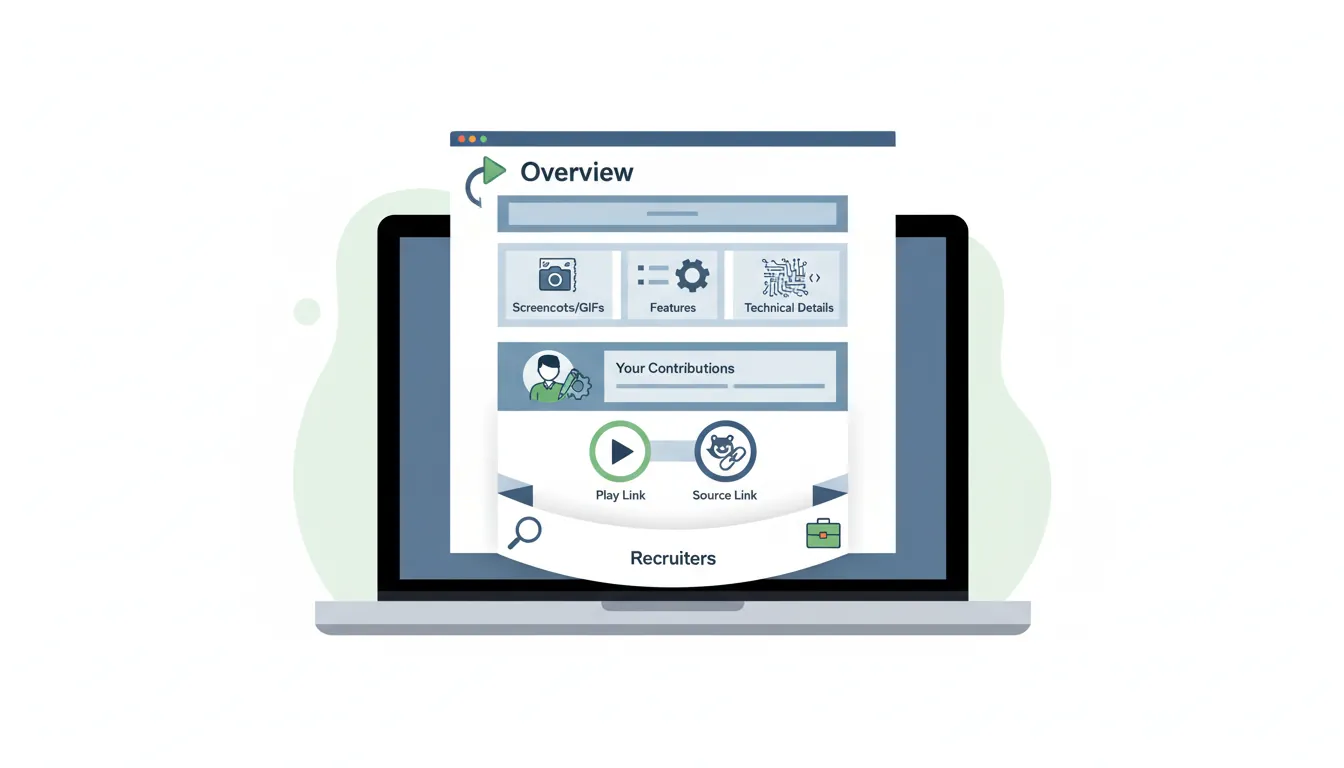
Project README Template:

# [Game Title]

## Overview
Brief 2-3 sentence description of the game.
Include genre, platform, and development timeframe.

## Screenshots / GIFs
[Include 3-5 compelling visuals showing gameplay]

## Features
• Core mechanic 1
• Core mechanic 2
• Technical highlight

## Technical Details
• Engine: Unity 2022.3 / Unreal 5.3
• Language: C# / C++ / Blueprints
• Development time: X weeks/months
• Team size: Solo / 2-5 people

## My Contributions (if team project)
• Implemented player movement system
• Created AI behavior trees
• Built dialogue system

## Play It
[itch.io link] | [Steam link] | [Web build]

## Source Code
[GitHub link if public]

## Development Blog
[Link to devlog if available]
Code Documentation Standards
/// <summary>
/// Controls player movement including ground and air mechanics.
/// Handles input processing, physics, and animation states.
/// </summary>
public class PlayerMovement : MonoBehaviour
{
    [Header("Movement Settings")]
    [Tooltip("Maximum horizontal speed in units per second")]
    [SerializeField] private float moveSpeed = 5f;

    [Tooltip("Force applied when jumping")]
    [SerializeField] private float jumpForce = 10f;

    /// <summary>
    /// Applies horizontal movement based on input.
    /// Uses acceleration for smoother start/stop.
    /// </summary>
    /// <param name="direction">Normalized input direction (-1 to 1)</param>
    public void Move(float direction)
    {
        // Accelerate toward target velocity
        float targetVelocity = direction * moveSpeed;
        rb.velocity = new Vector2(
            Mathf.MoveTowards(rb.velocity.x, targetVelocity, acceleration * Time.deltaTime),
            rb.velocity.y
        );
    }
}
Portfolio Presentation
How you present your work matters as much as the work itself. Make it easy for recruiters to see your best projects quickly.
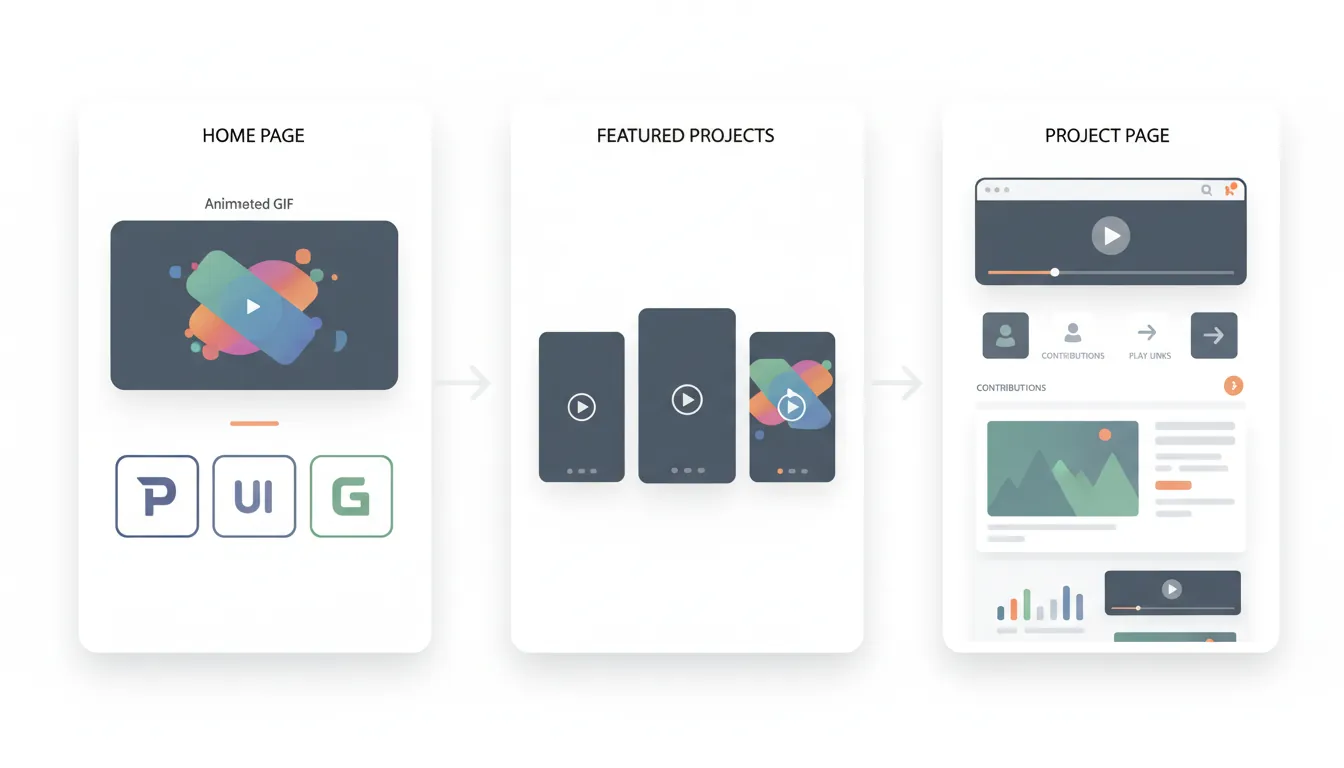
Portfolio Website Structure:

HOME PAGE
├── Hero section (your best GIF/screenshot)
├── Brief intro (1-2 sentences + role)
├── Featured projects (3-5 thumbnails)
└── Contact button

PROJECT PAGE
├── Hero media (video or GIF)
├── Quick facts (role, timeframe, team)
├── Description (2-3 paragraphs)
├── My contributions (bullet points)
├── Technical challenges (what you learned)
├── Media gallery (screenshots, GIFs)
├── Play/download links
└── Source code link (if applicable)

ABOUT PAGE
├── Professional photo
├── Background summary
├── Skills list
├── Education/experience
└── Contact informationPortfolio Platforms
| Platform | Best For | Pros |
|---|---|---|
| Personal Website | Full control | Custom design, professional URL |
| itch.io | Playable demos | Web builds, download tracking |
| GitHub | Source code | Shows coding ability |
| ArtStation | Visual art | Industry standard for artists |
| Professional network | Recruiters search here | |
| YouTube | Video trailers | Embed in portfolio, share widely |
Industry Networking
Many game industry jobs come through connections, not applications. Building relationships early opens doors later.
Networking Opportunities:

ONLINE
├── Game dev Discord servers
│   • Brackeys Community
│   • GameDev.tv
│   • r/gamedev Discord
├── Twitter/X game dev community
│   • Follow developers you admire
│   • Share your progress (#gamedev, #indiedev)
│   • Engage genuinely (not just self-promo)
└── Game jams (Ludum Dare, GMTK Jam)
    • Collaborate with strangers
    • Build portfolio quickly
    • Make friends and contacts

IN-PERSON
├── Game conferences (GDC, PAX, local)
├── Game developer meetups
├── University game dev clubs
└── Industry events and mixers

PROFESSIONAL
├── LinkedIn game dev groups
├── Company Discord servers
├── Alumni networks
└── Mentorship programs
Career Preparation
Prepare for the game industry's unique hiring process, which often includes technical tests and culture fit interviews.
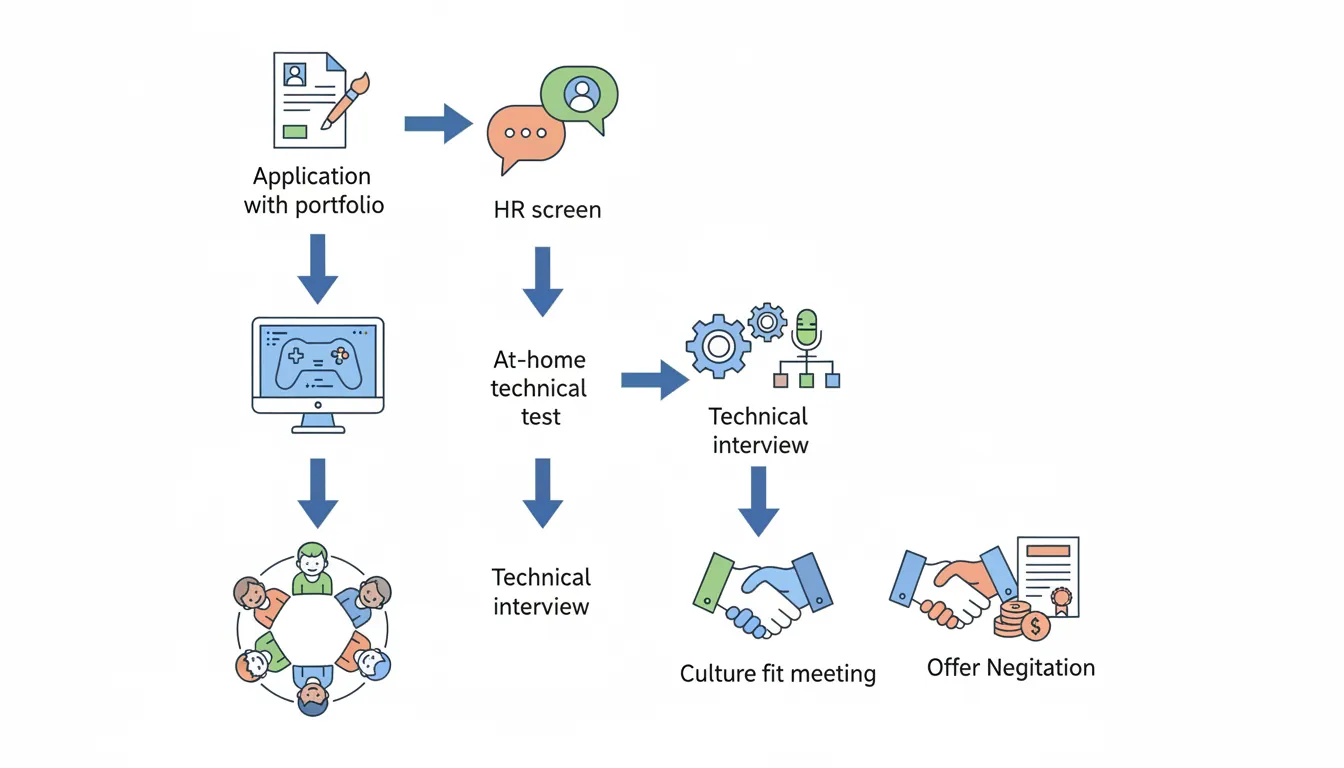
Game Industry Hiring Process:

1. APPLICATION
   ├── Resume (1 page, tailored)
   ├── Portfolio link
   └── Cover letter (optional but helps)

2. INITIAL SCREEN
   ├── HR phone call (15-30 min)
   └── Basic fit assessment

3. TECHNICAL TEST (common for programmers)
   ├── At-home coding test (2-8 hours)
   ├── Implement specific feature
   └── Code quality matters!

4. TECHNICAL INTERVIEW
   ├── Live coding or whiteboard
   ├── Past project deep-dive
   └── Problem-solving questions

5. CULTURE FIT
   ├── Meet the team
   ├── Company values alignment
   └── "Would we enjoy working together?"

6. OFFER
   └── Negotiation possible!
Common Interview Questions
Technical Questions (Programmers):

"Walk me through your favorite project"
→ Prepare a 3-5 minute explanation
→ Focus on YOUR contributions
→ Discuss technical challenges and solutions

"How would you implement [feature]?"
→ Think out loud
→ Ask clarifying questions
→ Consider edge cases

"What's the difference between Update and FixedUpdate?"
→ Know your engine fundamentals
→ Explain why it matters (physics consistency)

"How do you debug a performance issue?"
→ Profiler first
→ Identify bottleneck
→ Optimize the right thing

Design Questions:

"How would you make [mechanic] feel good?"
→ Discuss feedback, responsiveness
→ Reference games that do it well
→ Consider player psychology
Final Exercise: Launch Your Career
Goal: Complete these career-launching steps:
- Finish and polish 1 portfolio-ready game project
- Create a portfolio website with your best 3 projects
- Write detailed READMEs for each project
- Join 3 game dev communities (Discord, Twitter, meetups)
- Participate in a game jam
- Apply to 5 positions that match your skills
Remember: Persistence matters. Many successful developers applied to 50+ jobs before landing their first role. Keep building, keep learning, keep applying!