Introduction & RE Mindset
ARM Assembly Mastery
Architecture History & Core Concepts
ARMv1→v9, RISC philosophy, profilesARM32 Instruction Set Fundamentals
ARM vs Thumb, registers, CPSR, barrel shifterAArch64 Registers, Addressing & Data Movement
X/W regs, addressing modes, load/store pairsArithmetic, Logic & Bit Manipulation
ADD/SUB, bitfield extract/insert, CLZBranching, Loops & Conditional Execution
Branch types, link register, jump tablesStack, Subroutines & AAPCS
Calling conventions, prologue/epilogueMemory Model, Caches & Barriers
Weak ordering, DMB/DSB/ISB, TLBNEON & Advanced SIMD
Vector ops, intrinsics, media processingSVE & SVE2 Scalable Vector Extensions
Predicate regs, gather/scatter, HPC/MLFloating-Point & VFP Instructions
IEEE-754, scalar FP, rounding modesException Levels, Interrupts & Vector Tables
EL0–EL3, GIC, fault debuggingMMU, Page Tables & Virtual Memory
Stage-1 translation, permissions, huge pagesTrustZone & ARM Security Extensions
Secure monitor, world switching, TF-ACortex-M Assembly & Bare-Metal Embedded
NVIC, SysTick, linker scripts, low-powerCortex-A System Programming & Boot
EL3→EL1 transitions, MMU setup, PSCIApple Silicon & macOS ABI
ARM64e PAC, Mach-O, dyld, perf countersInline Assembly, GCC/Clang & C Interop
Constraints, clobbers, compiler interactionPerformance Profiling & Micro-Optimization
Pipeline hazards, PMU, benchmarkingReverse Engineering & ARM Binary Analysis
ELF, disassembly, CFR, iOS/Android quirksBuilding a Bare-Metal OS Kernel
Bootloader, UART, scheduler, context switchARM Microarchitecture Deep Dive
OOO pipelines, reorder buffers, branch predictVirtualization Extensions
EL2 hypervisor, stage-2 translation, KVMDebugging & Tooling Ecosystem
GDB, OpenOCD/JTAG, ETM/ITM, QEMULinkers, Loaders & Binary Format Internals
ELF deep dive, relocations, PIC, crt0Cross-Compilation & Build Systems
GCC/Clang toolchains, CMake, firmware genARM in Real Systems
Android, FreeRTOS/Zephyr, U-Boot, TF-ASecurity Research & Exploitation
ASLR, PAC attacks, ROP/JOP, kernel exploitEmerging ARMv9 & Future Directions
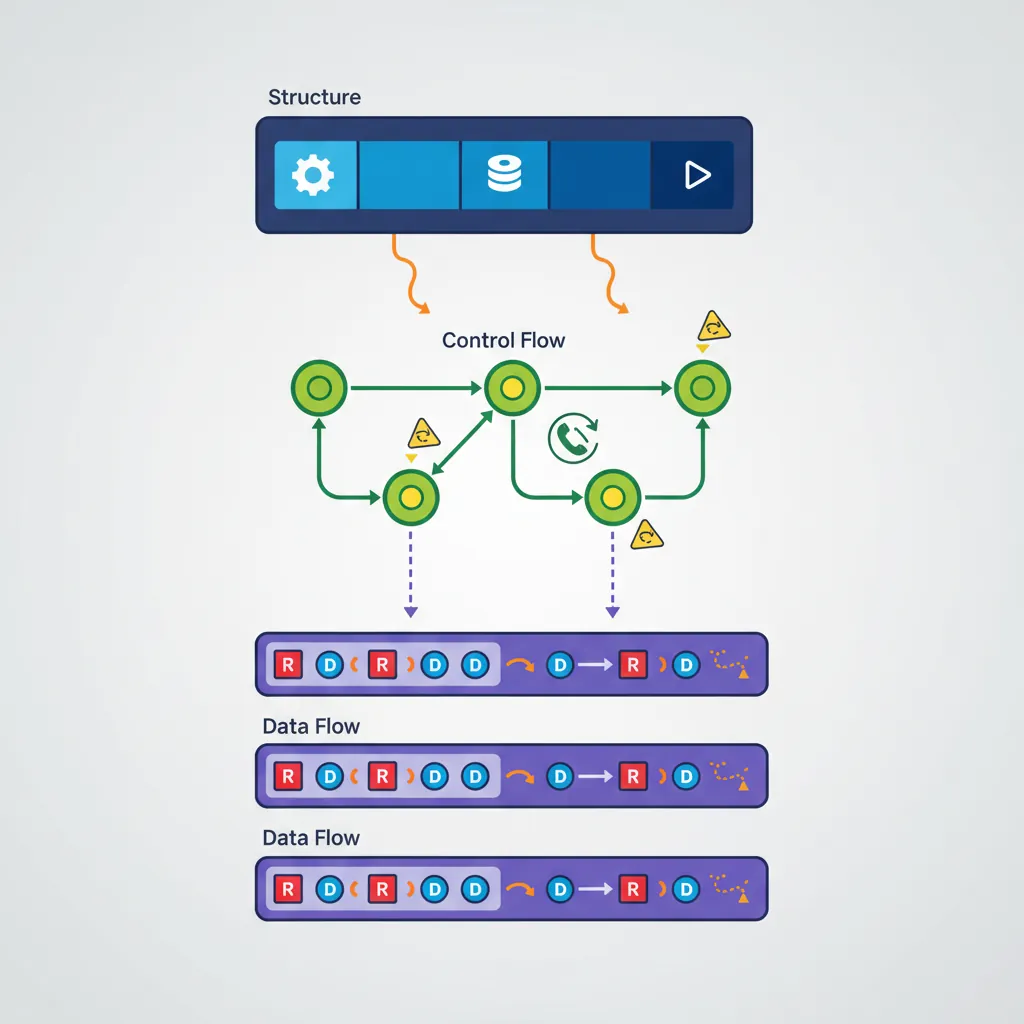
MTE, SME, confidential compute, AI accelApproach a binary bottom-up: first understand structure (what sections exist, what symbols are exported), then understand control flow (what functions call what), then understand data flow (what registers carry meaningful values through basic blocks). Tools accelerate the process but don't replace understanding the ISA — which is why Parts 1–18 came before this one.
ELF Section Layout for RE
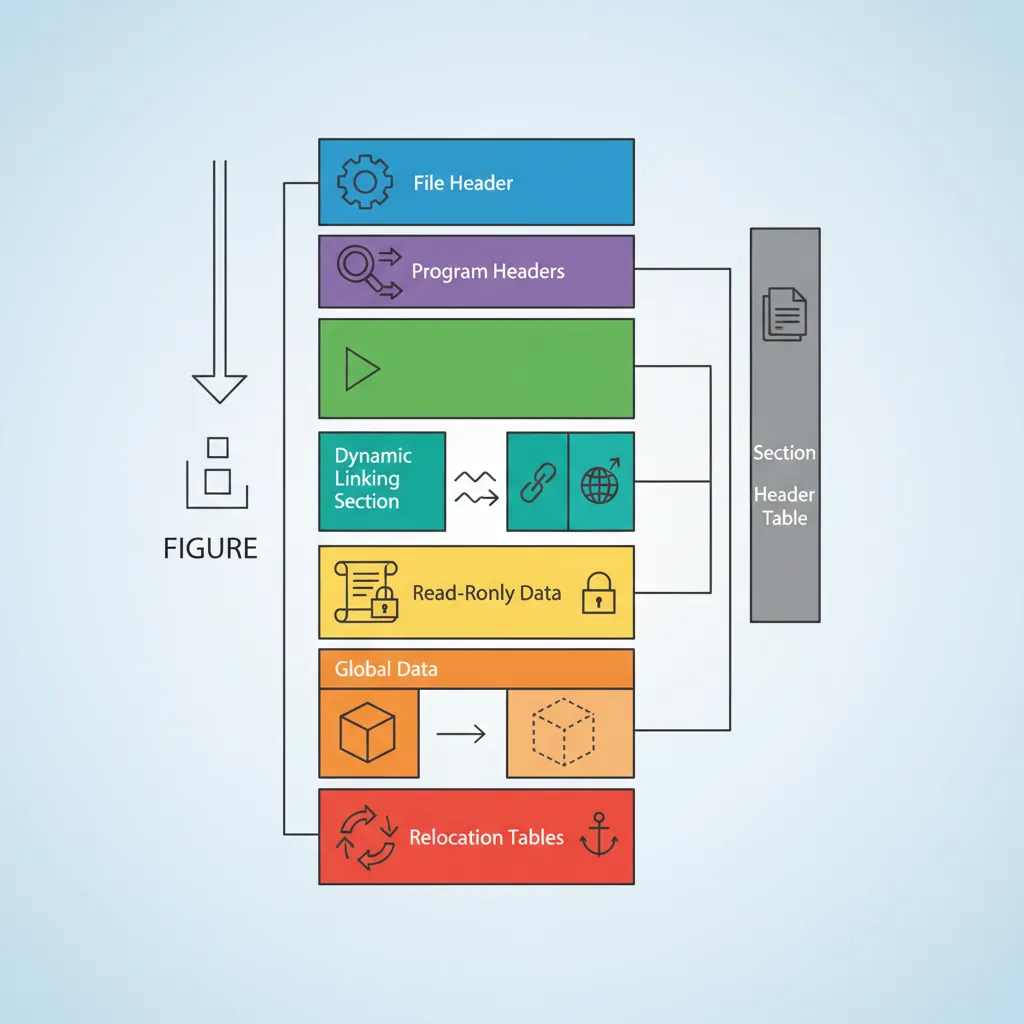
.text — executable code (functions)
.plt / .plt.got — Procedure Linkage Table stubs; each entry = 3 instructions. First call resolves symbol via dynamic linker; subsequent calls jump directly.
.got / .got.plt — Global Offset Table: pointer-sized entries patched at load time for PIC code and lazy-bound symbols
.rodata — read-only data: string literals, const arrays, jump tables
.data — initialized mutable globals
.bss — zero-initialized globals (no bytes in file; just size recorded in section header)
.init_array / .fini_array — arrays of constructor/destructor function pointers called by crt0
.dynsym / .dynstr — dynamic symbol table + string pool (exported/imported symbols)
.rela.dyn / .rela.plt — RELA relocation tables with addend (type, symbol, offset, addend)
.note.gnu.build-id — 20-byte SHA1 of the binary; stable identifier even after stripping
readelf Command Reference
# Full overview: ELF header + section headers + symbol tables
readelf -a ./binary | head -200

# Section headers only (shows offsets, sizes, types, flags)
readelf -S ./binary

# Symbol table (T=text/function, D=data, U=undefined/imported)
readelf -s ./binary

# Dynamic symbols (stripped binaries still have these for shared libs)
readelf -D --dyn-syms ./binary

# Relocation entries — identify all PLT-resolved calls and GOT pointers
readelf -r ./binary

# Program headers (segments: LOAD, DYNAMIC, GNU_STACK, etc.)
readelf -l ./binary

# Build ID (useful for locating debug symbols in dSYM or breakpad)
readelf -n ./binary | grep Build

# Check ASLR/NX/PIE mitigations
readelf -l ./binary | grep -E "GNU_STACK|RELRO|GNU_RELRO"
checksec --file=./binary     # checksec tool wraps all mitigation checks
objdump Disassembly
# Disassemble all sections (ARM64)
objdump -d -Mno-aliases --arch=aarch64 ./binary | less

# With source interleaving (requires unstripped binary or debug info)
objdump -d -S --arch=aarch64 ./binary | less

# llvm-objdump (better ARM64 output, supports relocations inline)
llvm-objdump -d --no-show-raw-insn ./binary | less

# Show only one function by name
objdump -d ./binary | awk '/^[0-9a-f]+ /,/^$/'

# Disassemble + show relocation sites (helps identify PLT calls)
objdump -d -r ./binary | grep -A3 ""

# Find all BL/BLR instructions (call sites)
objdump -d ./binary | grep "bl\s"

# Dump string pool (rodata, .data strings)
objdump -s -j .rodata ./binary | head -80
strings -n 6 ./binary | sort -u
Ghidra ARM64 Workflow
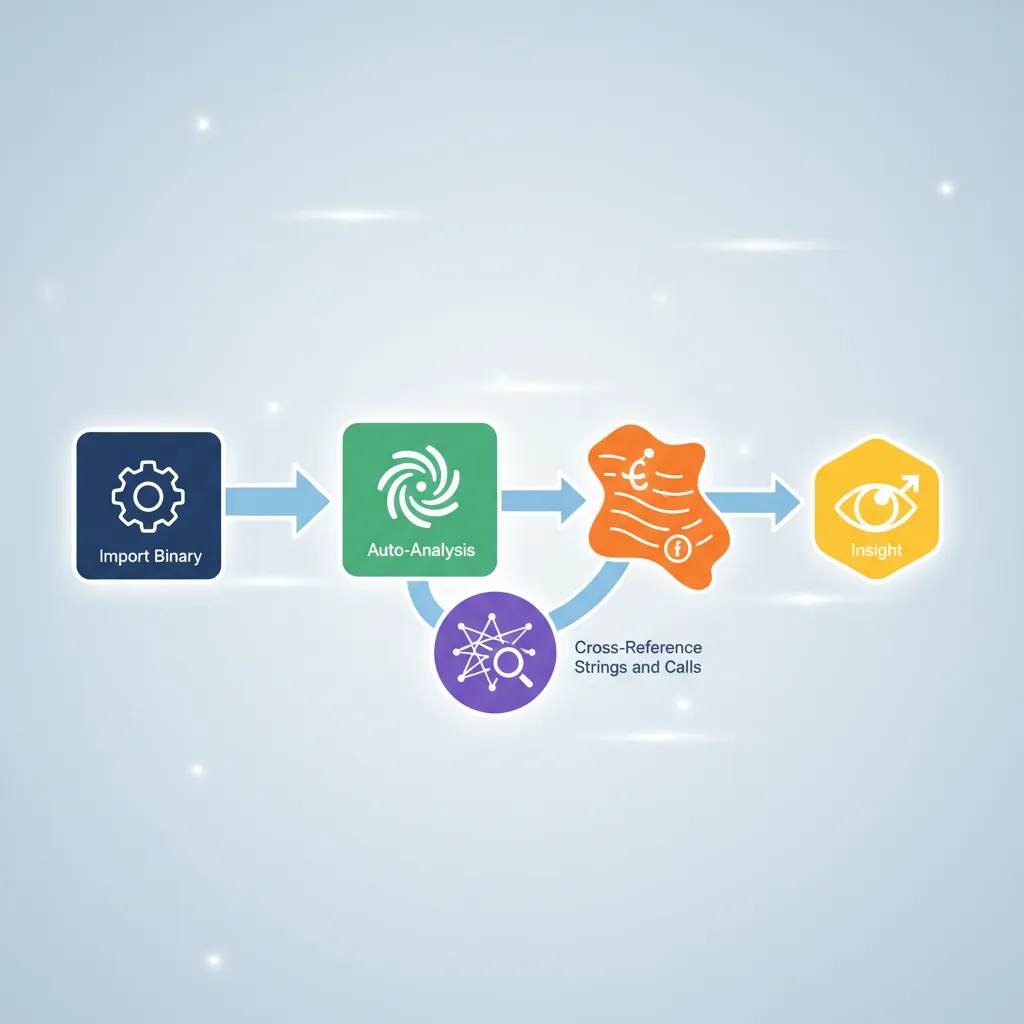
# Command-line headless analysis (batch RE)
$GHIDRA_HOME/support/analyzeHeadless /tmp/ghidra_proj MyProject \
    -import ./binary \
    -postScript ExportFunctions.java \
    -deleteProject

# Useful Ghidra Script API (scripting console or .java scripts)
# List all functions and their addresses
currentProgram.getFunctionManager()
    .getFunctions(true)
    .forEach { f -> println("${f.getName()} @ ${f.getEntryPoint()}") }

# Decompile a specific function
def f = currentProgram.getFunctionManager().getFunctionAt(toAddr(0x10001234L))
def dc = new DecompInterface()
dc.openProgram(currentProgram)
def result = dc.decompileFunction(f, 60, TaskMonitor.DUMMY)
println(result.getDecompiledFunction().getC())Binary Ninja MLIL
Disassembly (DISASM) — raw instruction mnemonics
Lifted IL (LIL) — semantic expansion: each instruction → 1–5 IL operations on abstract registers and flags
Low-Level IL (LLIL) — register-sized operations; conditions expressed as flag reads; still 1:1 with instructions
Medium-Level IL (MLIL) — SSA form; stack accesses replaced with named variables; types inferred; calling convention applied (parameters named x0=arg1 etc.)
High-Level IL (HLIL) — structured control flow (if/for/while); pointer arithmetic shown as array indexing; closest to C pseudo-code
# Binary Ninja command-line API (bnpy)
python3 - <<'EOF'
import binaryninja as bn

bv = bn.open_view("./binary")
bv.update_analysis_and_wait()

# Find function by name
f = bv.get_function_at(bv.get_symbols_by_name("target_fn")[0].address)

# Print MLIL SSA for each basic block
for block in f.mlil.ssa_form:
    for insn in block:
        print(insn)

# Find all cross-references to a symbol
sym = bv.get_symbols_by_name("malloc")[0]
for ref in bv.get_code_refs(sym.address):
    caller = bv.get_functions_containing(ref.address)
    print(f"malloc called from {caller[0].name} @ {hex(ref.address)}")
EOF
iOS Mach-O Binaries
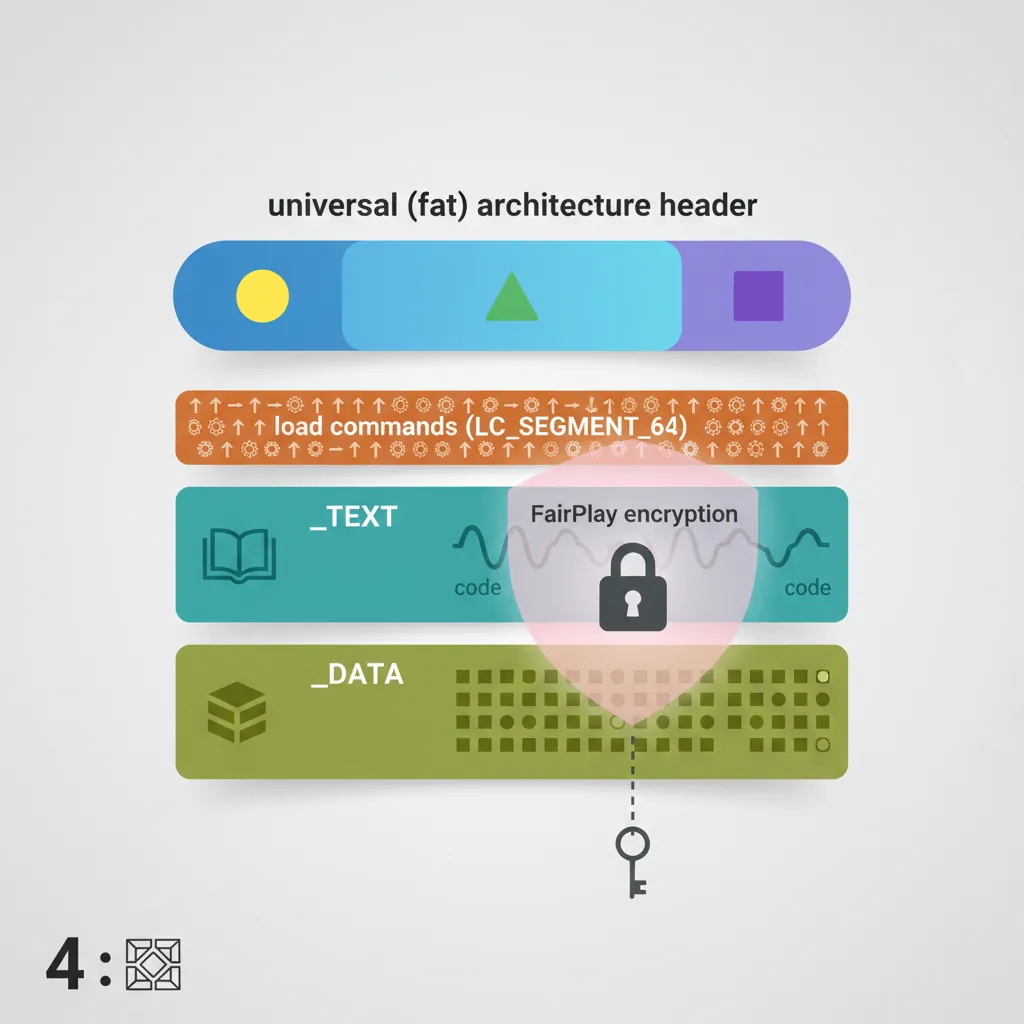
# otool — macOS/iOS equivalent of readelf+objdump
otool -l ./MyApp.app/MyApp | grep -A4 LC_ENCRYPTION_INFO  # Check FairPlay DRM
otool -L ./MyApp.app/MyApp                                # Linked dylibs
otool -tV ./MyApp.app/MyApp | head -100                   # Disassemble __TEXT,__text

# Universal (fat) binary — list architectures
lipo -info ./binary          # e.g., arm64 arm64e
lipo -thin arm64 -output ./binary_arm64 ./binary   # Extract single arch

# Class-dump — reconstructs @interface declarations from ObjC runtime metadata
class-dump ./MyApp.app/MyApp -H -o ./headers/
# Look for method names, properties, protocols, ivar offsets

# nm — symbol list (after decryption; encrypted sections read as zeros)
nm -arch arm64 ./binary | grep -v "^0000" | head -50

# Strings in Mach-O sections
otool -s __TEXT __cstring ./binary | xxd | strings
otool -s __DATA __cfstring ./binary # CFString objectsLC_ENCRYPTION_INFO_64 load command with cryptid=1, meaning the __TEXT segment is encrypted. Static analysis tools see only the stub sections. To analyze encrypted apps you need a jailbroken device with dumpdecrypted or frida-ios-dump to capture the decrypted memory image. This is legal only for apps you own or have permission to analyze.
Android NDK .so Quirks
# APK is a ZIP — extract first
unzip -o app.apk -d app_extracted/
ls app_extracted/lib/arm64-v8a/   # AArch64 native libraries

# NDK .so analysis
readelf -a app_extracted/lib/arm64-v8a/libcore.so | head -100
objdump -d app_extracted/lib/arm64-v8a/libcore.so | grep "bl\s" | head -30

# Version scripts — Android NDK exports use versioned symbols
# Look for LIBNAME_V1 {} in .version_gnu sections
readelf -V app_extracted/lib/arm64-v8a/libcore.so

# JNI entry points follow Java_<pkg>_<class>_<method> naming
nm app_extracted/lib/arm64-v8a/libcore.so | grep "^[0-9a-f].*T Java_"

# .rela.dyn vs .rela.plt distinction in Android NDK
# .rela.dyn: absolute relocations for global data and ifuncs
# .rela.plt: PLT jump slot relocations for external functions
readelf -r app_extracted/lib/arm64-v8a/libcore.so | grep "R_AARCH64"

# frida — dynamic instrumentation (works on non-jailbroken if app is debuggable)
# frida -U -f com.example.app --no-pause -l hook.js
# hook.js example: intercept JNI RegisterNatives to log method mappings
Identifying Compiler Idioms in Disassembly
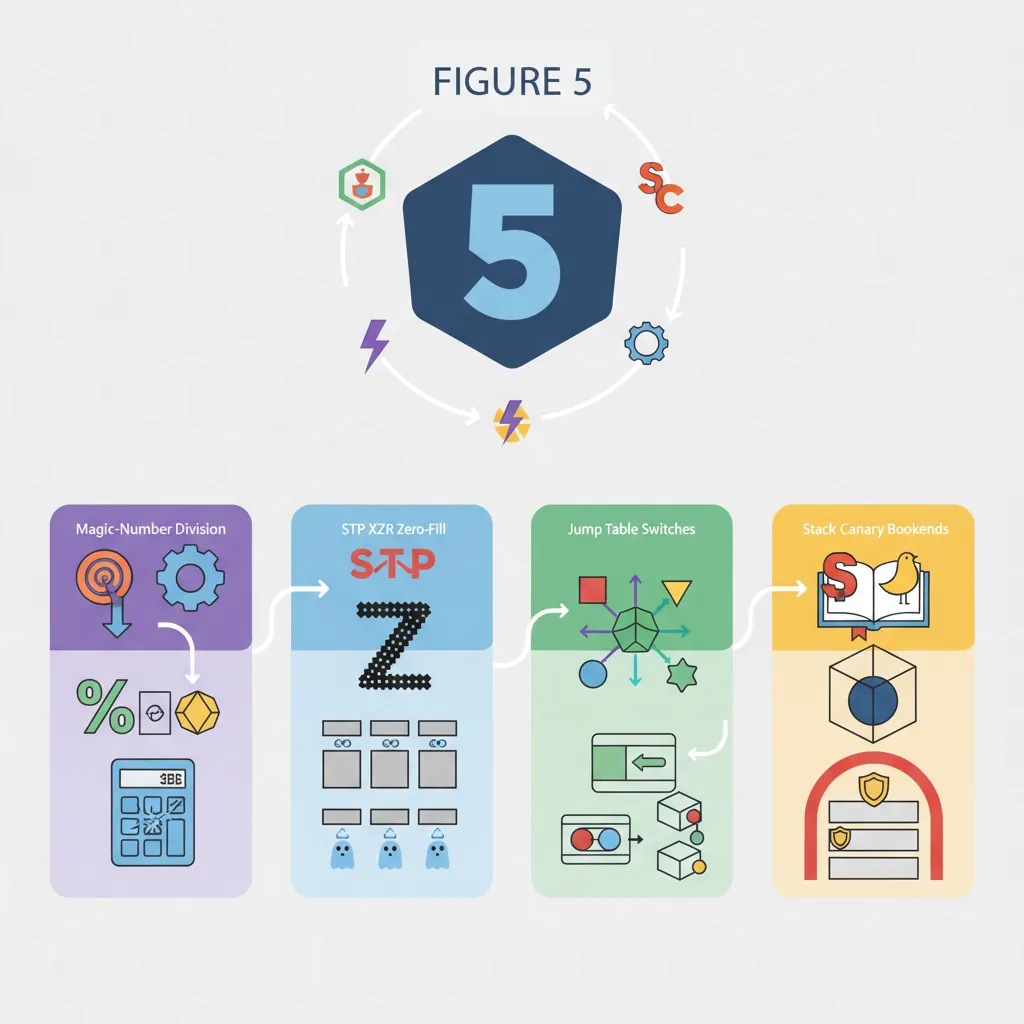
Compiler replaces x / N with multiply-by-magic-number + shift. Pattern:
movz  x2, #0xaaab       ; magic number lower
movk  x2, #0xaaaa, lsl #16
smulh x0, x0, x2        ; high 64 bits of signed multiply
asr   x0, x0, #1        ; arithmetic right shift = divide by 3
Recognising this tells you the original code was n / 3, not a hash or encryption function.
Small fixed-size memset(buf, 0, 16) → two STP XZR, XZR, [x0]. Fixed-size memcpy(dst, src, 32) → four LDP/STP pairs. Larger or variable sizes → call to __memset_chk or memset@plt. The pair/XZR pattern unmistakably indicates zero-fill.
Switch with dense integer cases → jump table in .rodata. Pattern: CMP Wn, #max_case → B.HI default → ADRP/ADD x_tbl, .Ljumptable → LDR Woff, [x_tbl, Wn, SXTW #2] → ADD x_tbl, x_tbl, Woff, SXTW → BR x_tbl. Recognising this avoids analysing it as an indirect function call.
ADRP + LDR x8, [x8, #:lo12:__stack_chk_guard] → LDR x8, [x8] → STR x8, [sp, #N] at function entry; LDR / EOR / CBNZ → BL __stack_chk_fail at exit. Seeing these bookends tells you the function has a stack buffer and was compiled with -fstack-protector. The local at [sp+N] is the canary, not real data.
Case Study: Reverse Engineering IoT Firmware
Analyzing a Wi-Fi Router's ARM Firmware
In 2020, security researchers at Synacktiv reverse-engineered a popular consumer Wi-Fi router running a Cortex-A53 SoC. The firmware was distributed as a single encrypted blob with no source code available. Their methodology followed the exact workflow taught in this article:
- Extraction: Used
binwalk -e firmware.binto identify and extract a SquashFS filesystem containing the ARM64 ELF binaries. The main HTTP server was a stripped 2.3 MB binary. - Structure analysis:
readelf -S httpdrevealed standard sections plus a suspicious.enc_configsection (custom, encrypted configuration).readelf -dshowed dependencies onlibcrypto.so,libnvram.so(NVRAM access), andlibshared.so. - Entry point tracing: Ghidra's auto-analysis identified 847 functions. Cross-referencing strings (
"Content-Type","POST","admin") narrowed the attack surface to 23 HTTP handler functions. - Vulnerability discovery: One handler read a URL parameter into a stack buffer using
sprintf(no bounds check). The compiler had inserted a stack canary (__stack_chk_guard), but the team noticed the canary was loaded from a constant NVRAM address — making it predictable. This led to a pre-auth remote code execution CVE. - Compiler idiom recognition: Several functions contained the division-by-magic-number pattern (
SMULH + ASR) for converting byte sizes to kilobytes. Without recognizing this idiom, the analyst might have wasted hours investigating a "mysterious multiplication."
Key takeaway: Every RE skill in this article — ELF sections, string cross-references, Ghidra workflow, compiler idiom recognition, and protection analysis — was essential to finding a critical vulnerability in shipping firmware.
The Evolution of ARM Reverse Engineering Tools
ARM RE tools have evolved dramatically:
- 1990s–2000s: IDA Pro was the only serious disassembler. ARM support was a paid add-on, and 64-bit AArch64 didn't exist yet. Most firmware RE was done on ARM7TDMI (Thumb/ARM32) using bare
objdumpand handwritten scripts. - 2010s: The smartphone explosion made ARM the most-analyzed architecture. Radare2 (open-source, 2006) added ARM64 support. Binary Ninja (2016) introduced the lifted IL concept, making cross-platform analysis practical. Frida (2014) enabled dynamic instrumentation without jailbreaking.
- 2019: NSA released Ghidra as open-source — a game-changer. Its ARM64 decompiler and scripting API (Java/Python) made professional-grade RE free for everyone. Ghidra's headless mode enabled automated analysis of thousands of firmware images.
- 2020s: AI-assisted RE tools (e.g., Hex-Rays' AI-decompiler hints, ChatGPT function naming) are beginning to automate the most tedious part: naming and annotating the 500+ stripped functions in a typical firmware binary.
Hands-On Exercises
ELF Header Scavenger Hunt
Compile a simple C program for AArch64 and analyze its ELF structure:
- Write a C program with: a global variable, a string constant, a
main()that callsprintf, and a constructor function (__attribute__((constructor))) - Compile:
aarch64-linux-gnu-gcc -O2 -o hello hello.c - Use
readelf -h,readelf -S,readelf -s,readelf -d,readelf -r - Answer: In which section is the string constant? Where is the global variable? What relocation type connects
printfto the PLT? Where does the constructor pointer live?
Bonus: Strip the binary with strip hello and repeat — which information survived stripping?
Compiler Idiom Identification Challenge
Compile these C functions with -O2 and identify the idiom in the disassembly:
int div7(int x) { return x / 7; }— find the magic constant and identify the division patternvoid zero_buf(char buf[64]) { memset(buf, 0, 64); }— count how many STP XZR instructions the compiler generatedint classify(int x) { switch(x) { case 0: ... case 9: ... } }— find the jump table in.rodataand decode the table entry formatvoid vuln(char *s) { char buf[32]; strcpy(buf, s); }— compiled with-fstack-protector: find the canary load, check, and__stack_chk_failcall
Tool: Use objdump -d -M no-aliases for the most explicit instruction mnemonics.
Ghidra Headless Analysis Script
Write a Ghidra Python script that automates initial triage of an ARM64 binary:
- Import the binary using
analyzeHeadlesswith ARM:AARCH64:v8A processor - List all functions with no name (starts with
FUN_) that callsprintf,strcpy, orstrcat(potential buffer overflow candidates) - For each candidate, check if
__stack_chk_guardis referenced in the same function (canary present?) - Output a CSV: function address, function size, dangerous call, canary present (yes/no)
Expected output: A triage report that immediately highlights unprotected functions calling unsafe string operations — the most common vulnerability pattern in ARM firmware.
Reverse Engineering Analysis Worksheet
ARM RE Analysis Worksheet
Document your reverse engineering findings. Download as Word, Excel, or PDF.
All data stays in your browser. Nothing is uploaded.
Conclusion & Next Steps
We covered ELF section anatomy for RE (PLT/GOT/RELA/dynsym), the full readelf -a / objdump -d / llvm-objdump command set, Ghidra ARM64 headless scripting and PAC gotchas, Binary Ninja IL hierarchy (LLIL → MLIL → HLIL), iOS FairPlay encryption and class-dump, Android NDK versioned symbol and JNI naming conventions, and the four most common compiler-generated pattern idioms: division by constant, small-memset, switch jump table, and stack canary. The IoT firmware case study demonstrated how these skills combine in real vulnerability research, and the exercises provide hands-on practice from ELF header analysis through automated Ghidra scripting.